 AirMouse


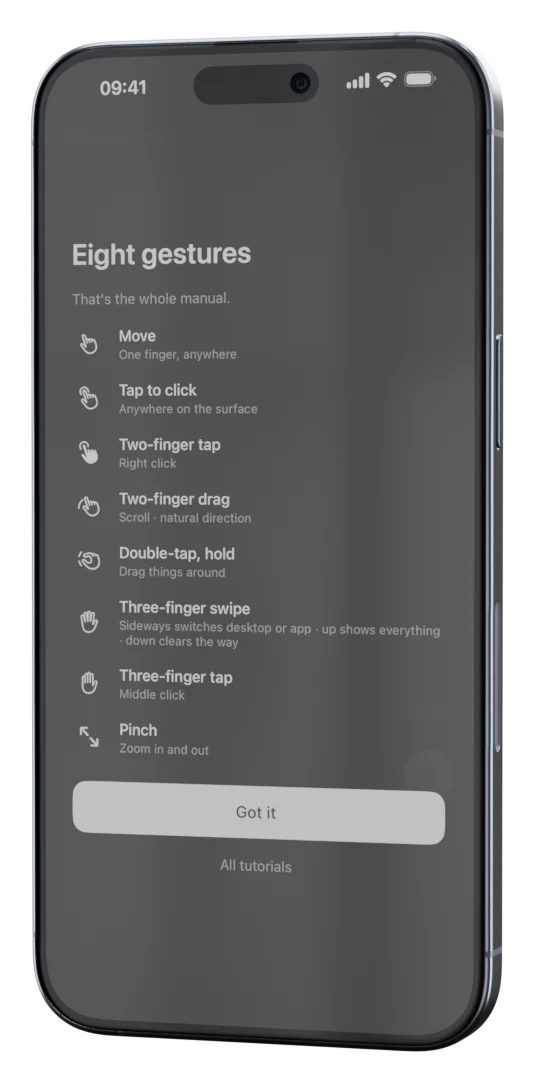
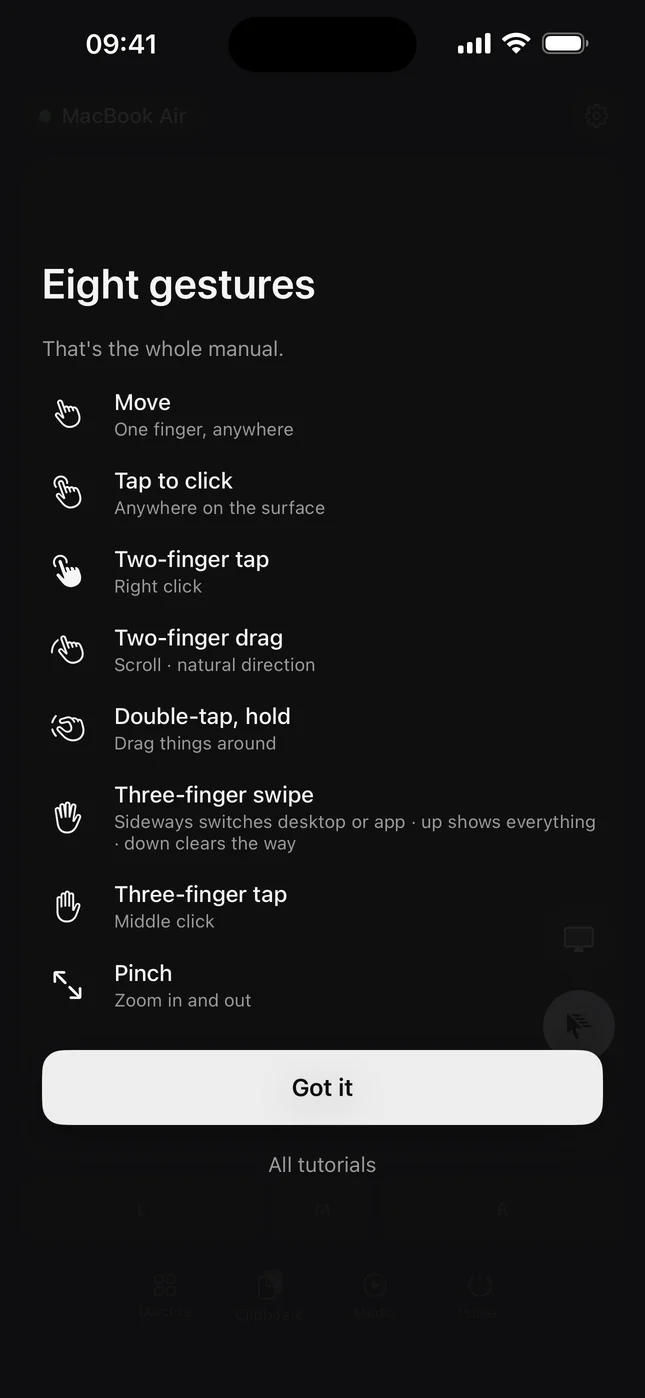
Eight gestures
Three fingers switch desktop or app, pinch zooms, double-tap and hold drags. Each does what that computer's own trackpad does.
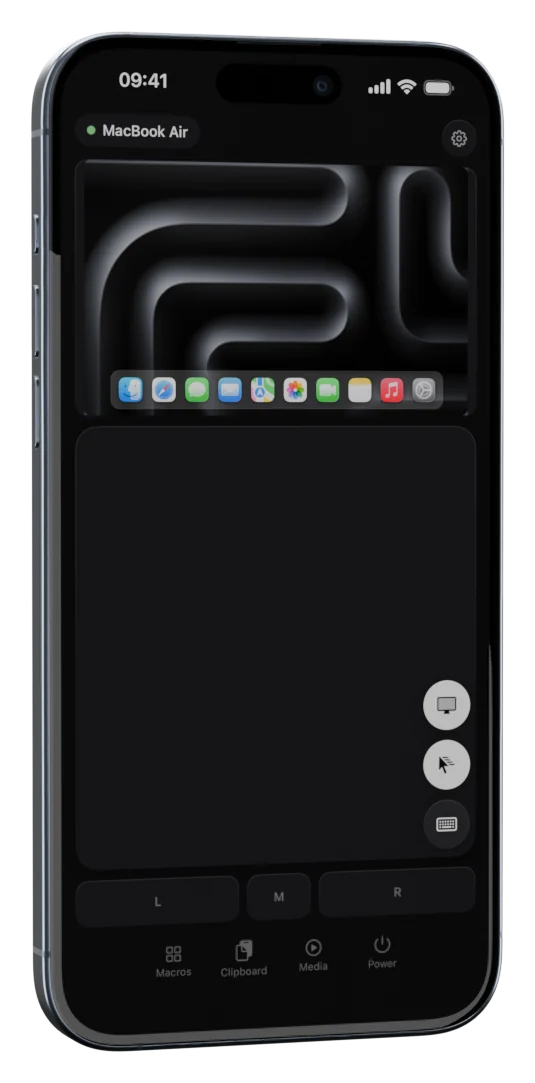
Learn more →The computer is across the room and the trackpad is not. AirMouse turns the phone in your hand into one, with the keyboard you are missing.
No receiver to plug in, no clicker to charge. The phone you carry everywhere becomes the trackpad.
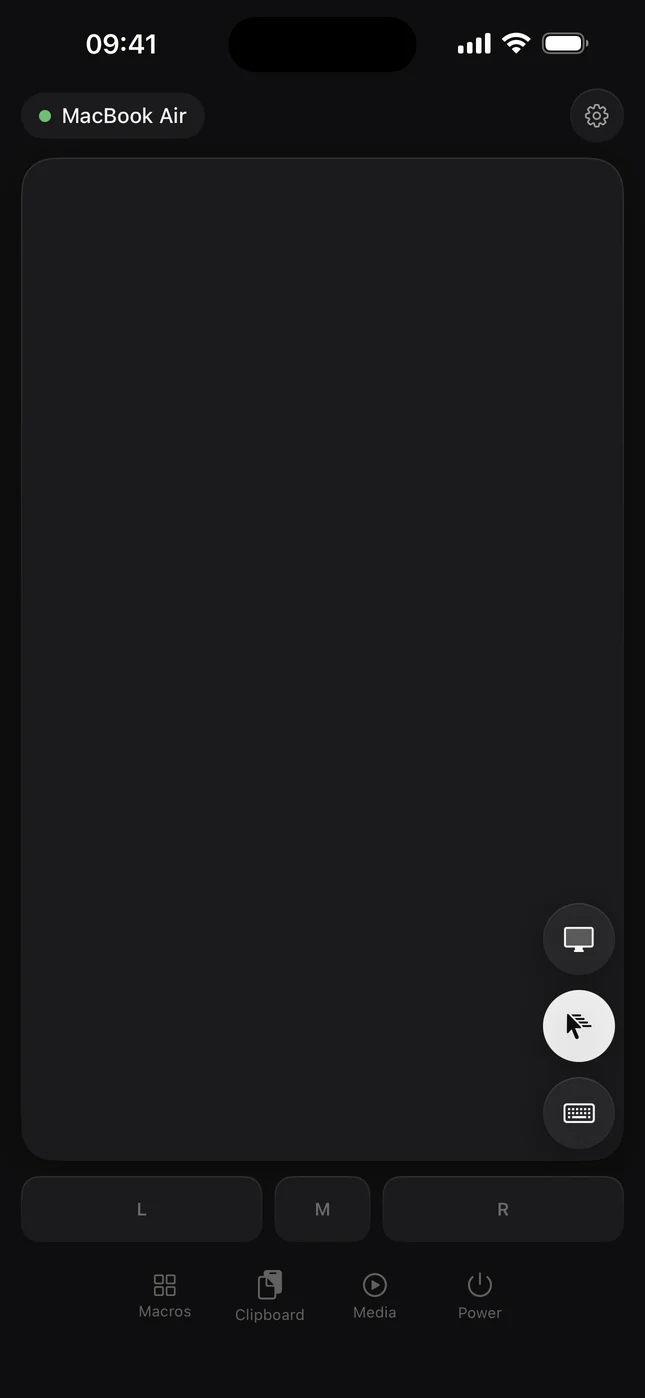
Tap to click, two fingers to scroll and right-click, hold to drag. Left, middle and right buttons underneath.
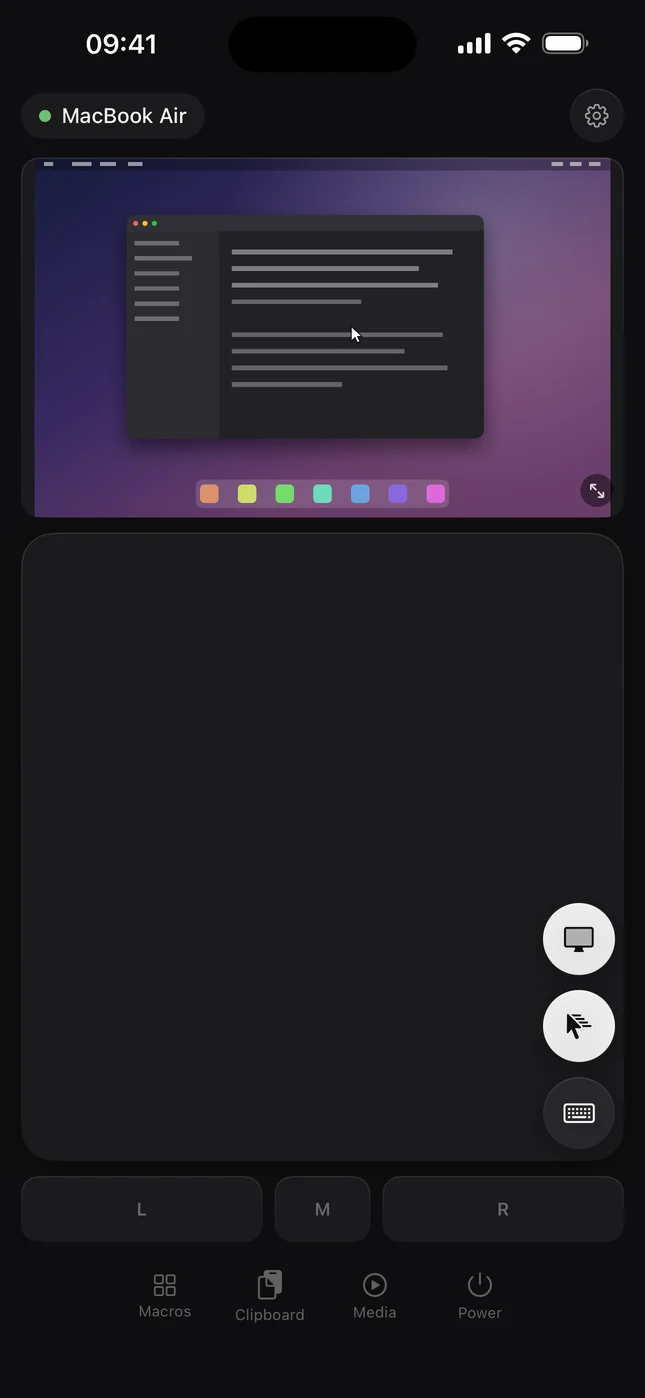
On a Mac or Linux, see the menu you opened and the dialog that wants an answer, without turning round.
This is how it feels. Move a finger, or the mouse, on the phone's trackpad, and tap to click.
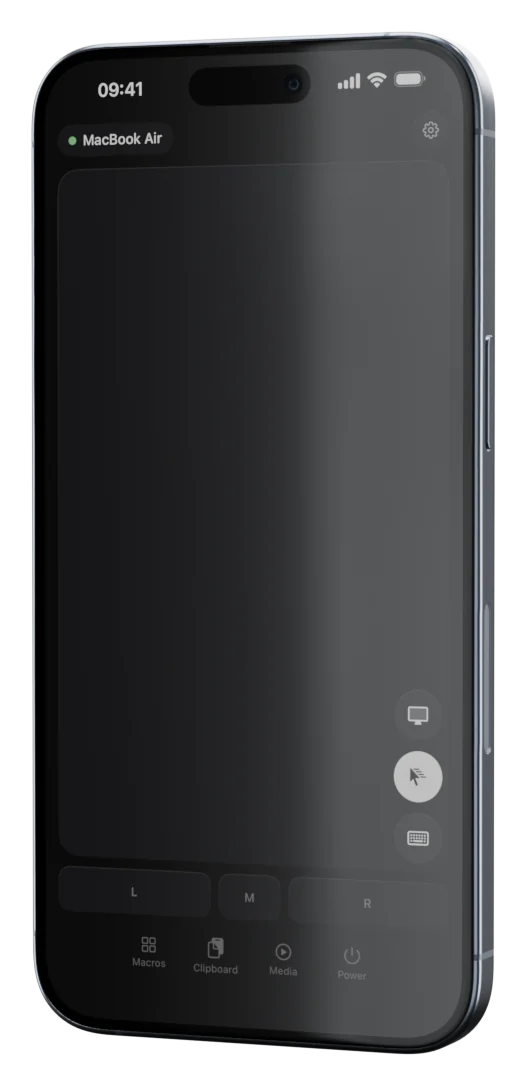
Three fingers switch desktop or app, pinch zooms, double-tap and hold drags. Each does what that computer's own trackpad does.
Learn more →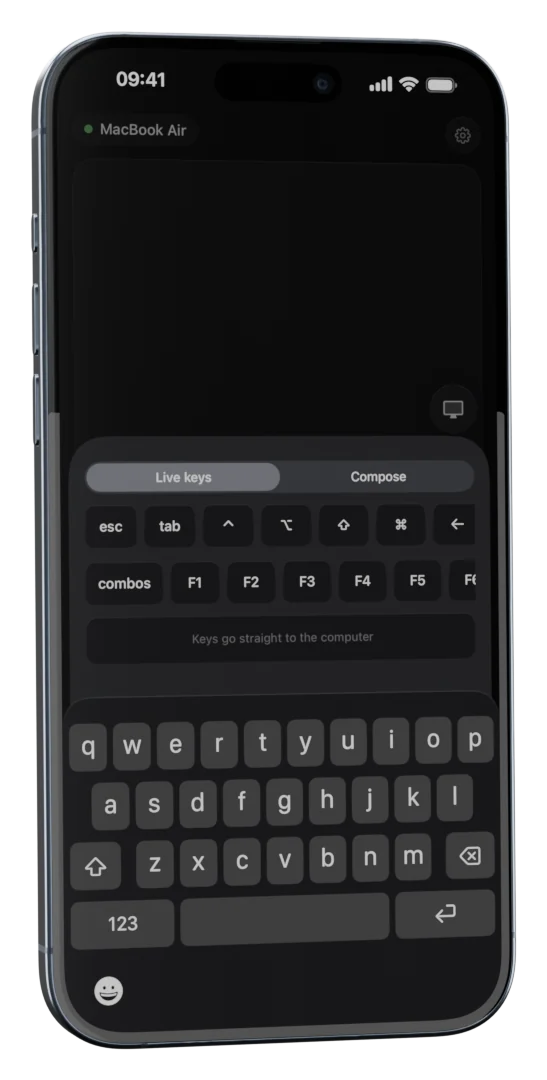
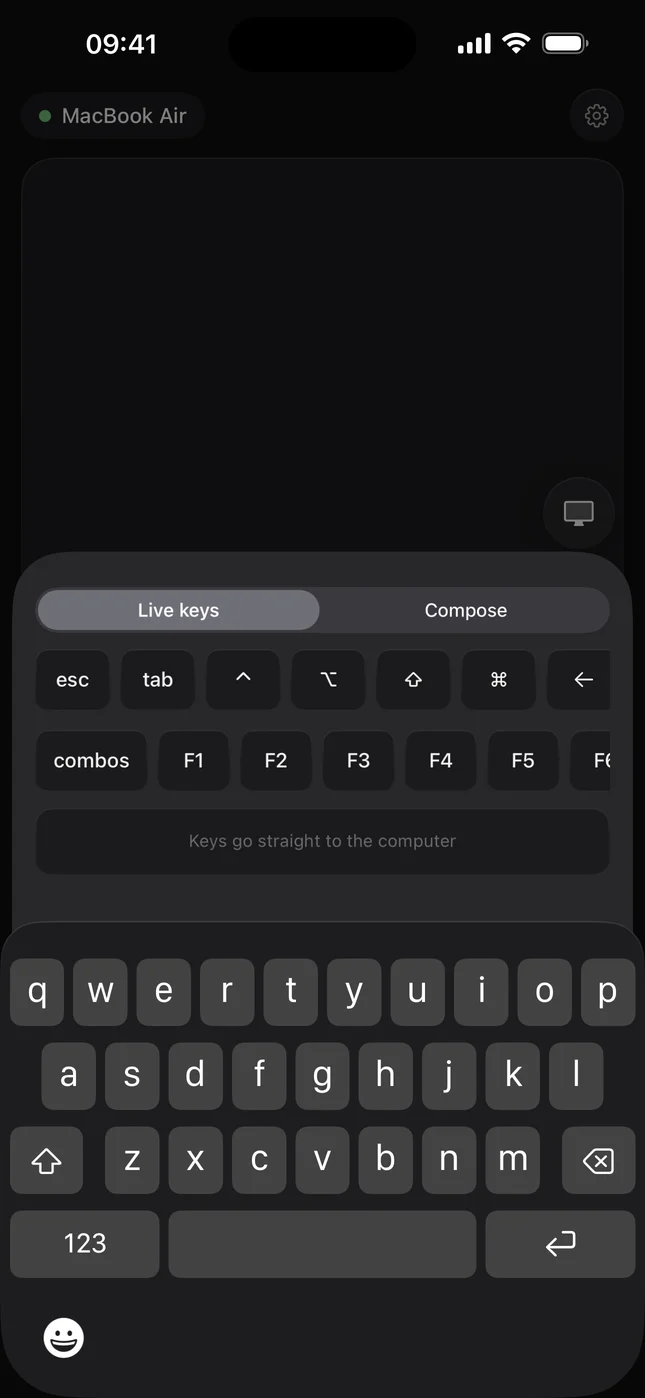
Esc, Tab, the arrows, F1 to F12 and the modifiers a phone keyboard leaves out. Type live, or compose and send.
Learn more →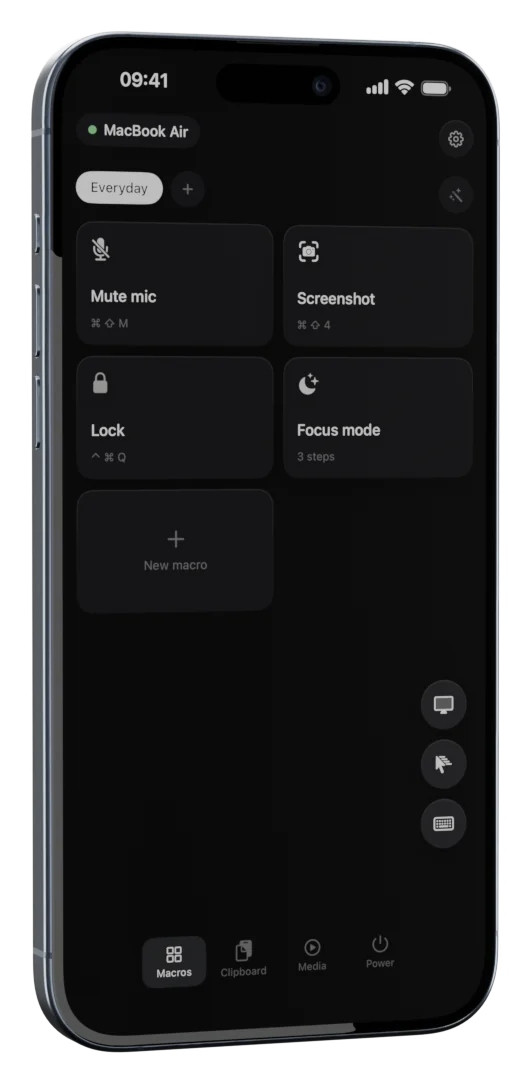
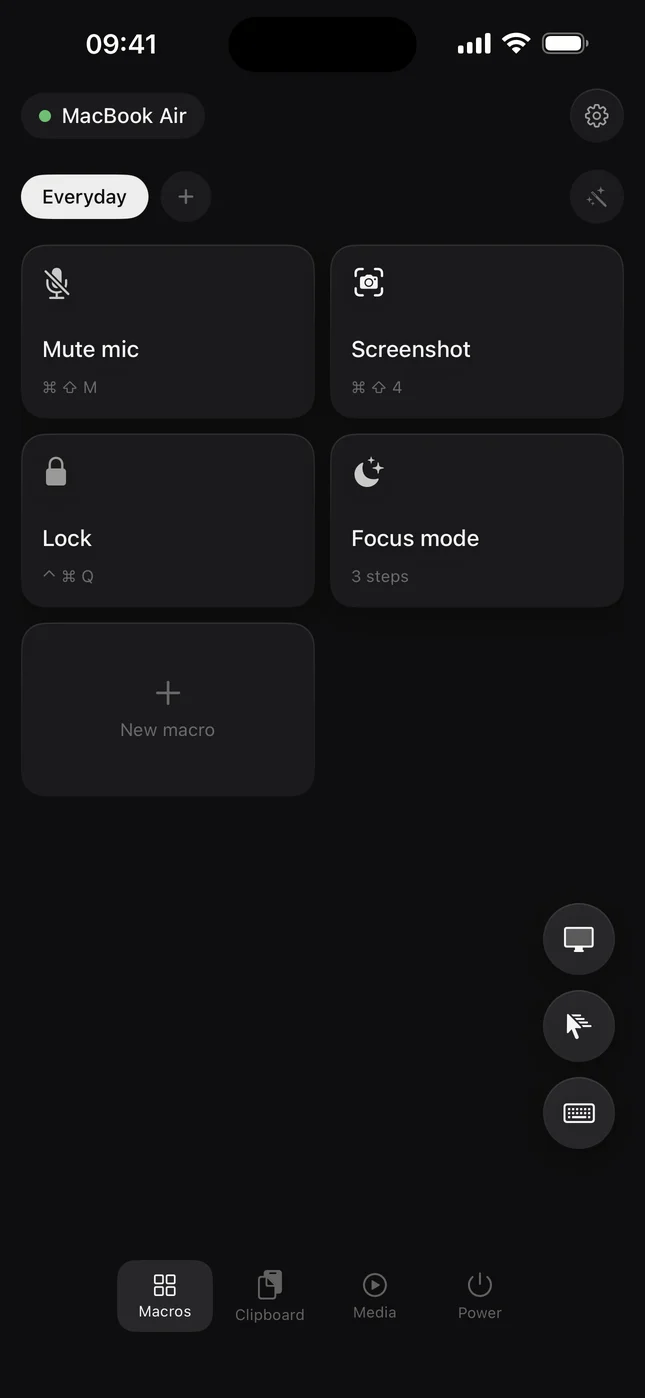
One tile runs a sequence: a shortcut, some text, an app, a link. Profiles follow the app in front.
Learn more →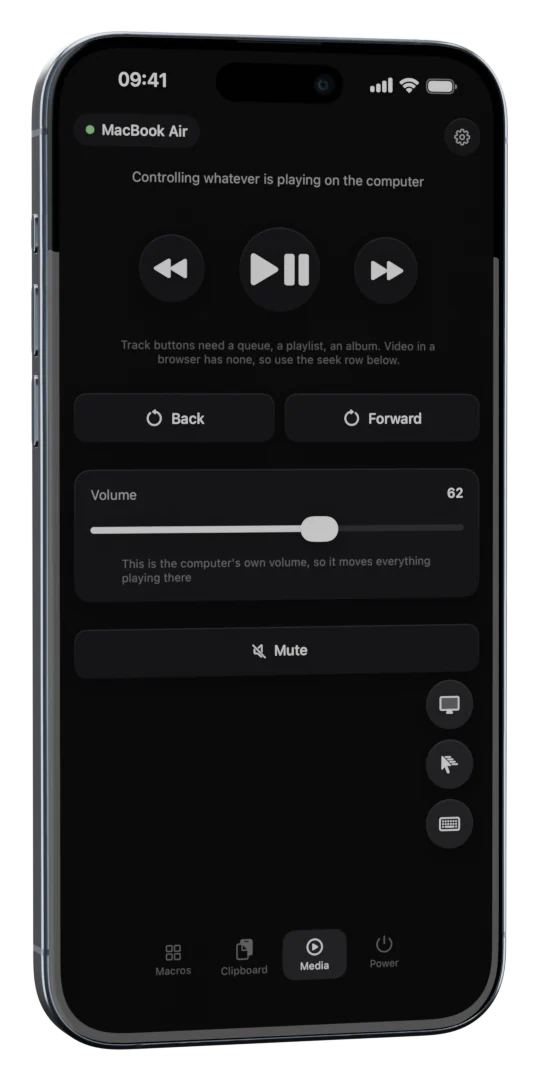
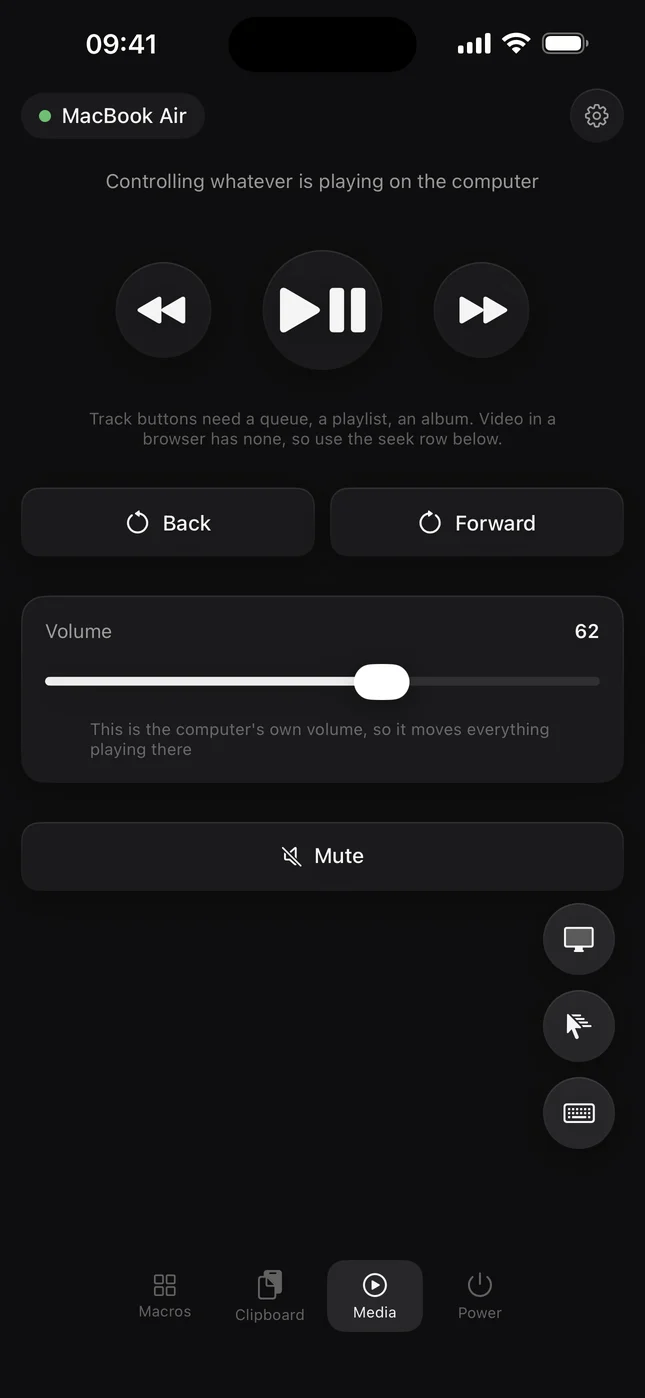
The computer's own media keys, so they reach any player, from across the sofa.
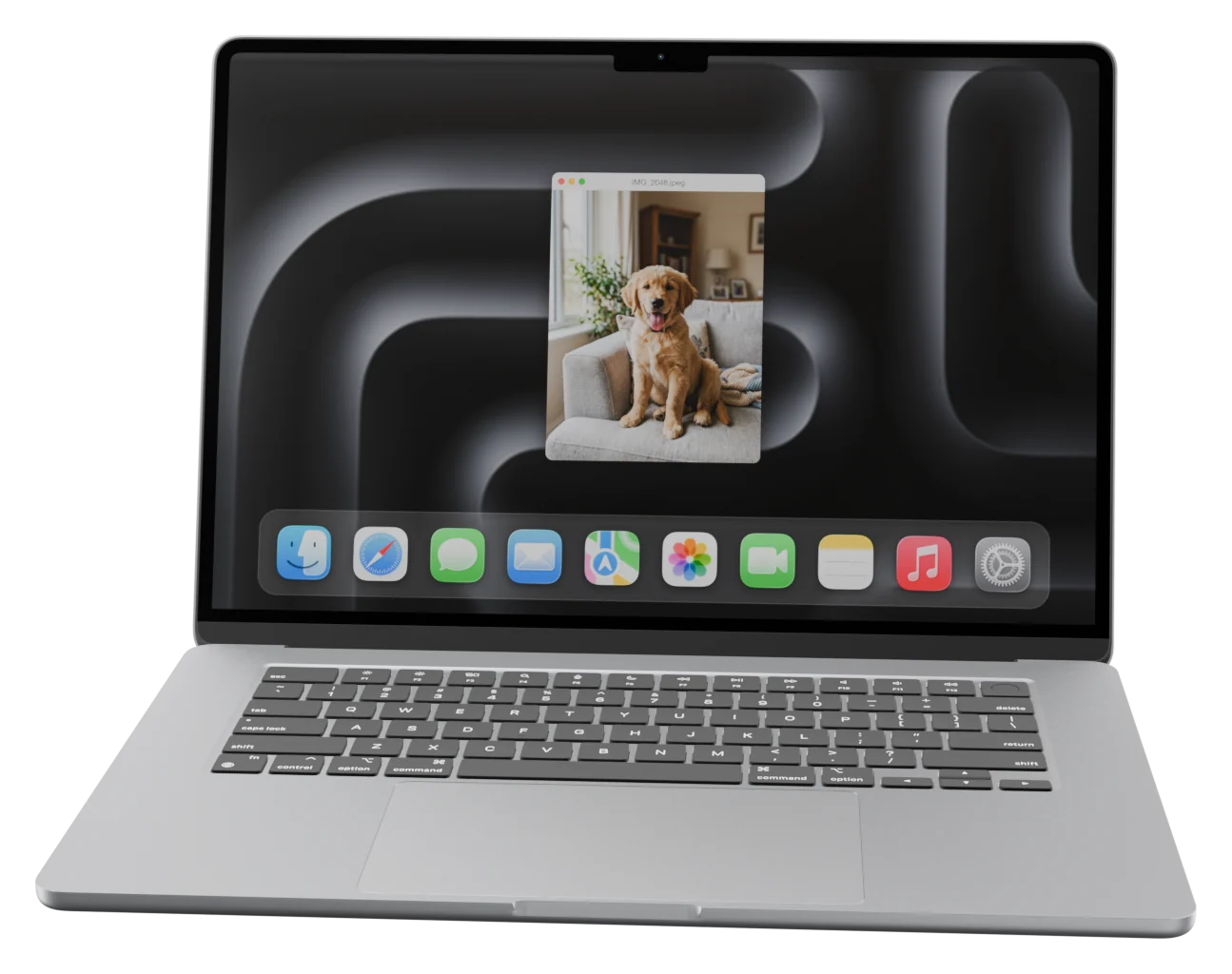
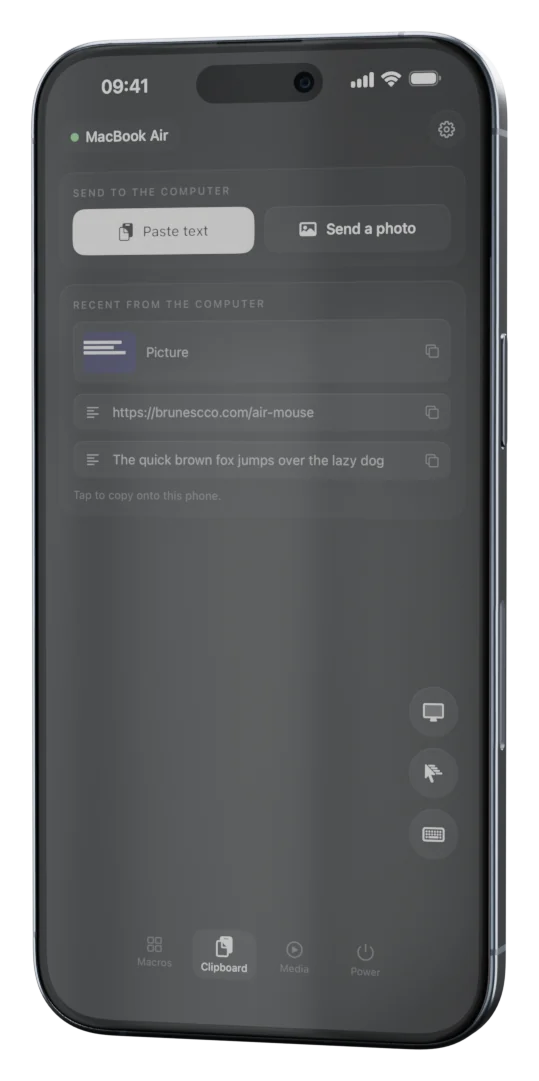
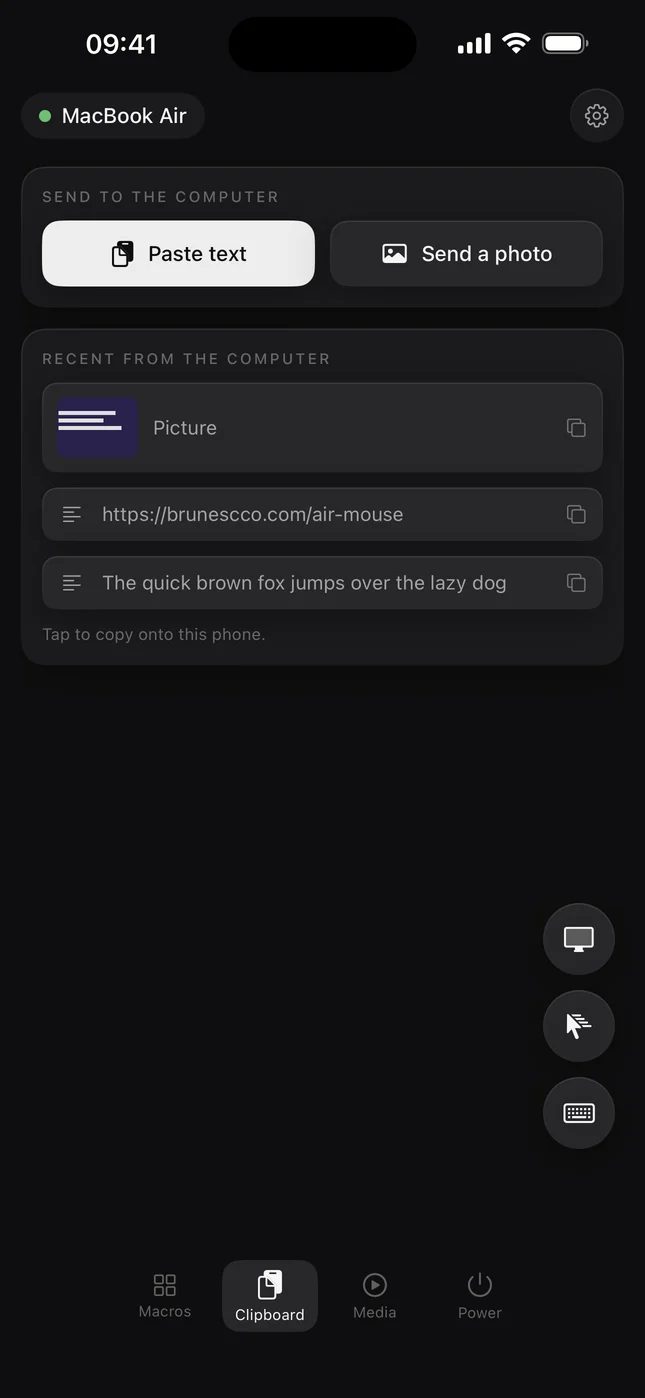
Learn more →Send a photo from the phone and it lands on the computer's clipboard. Copy a link or a screenshot on the computer and it is already on the phone. For designers and developers who move media all day.
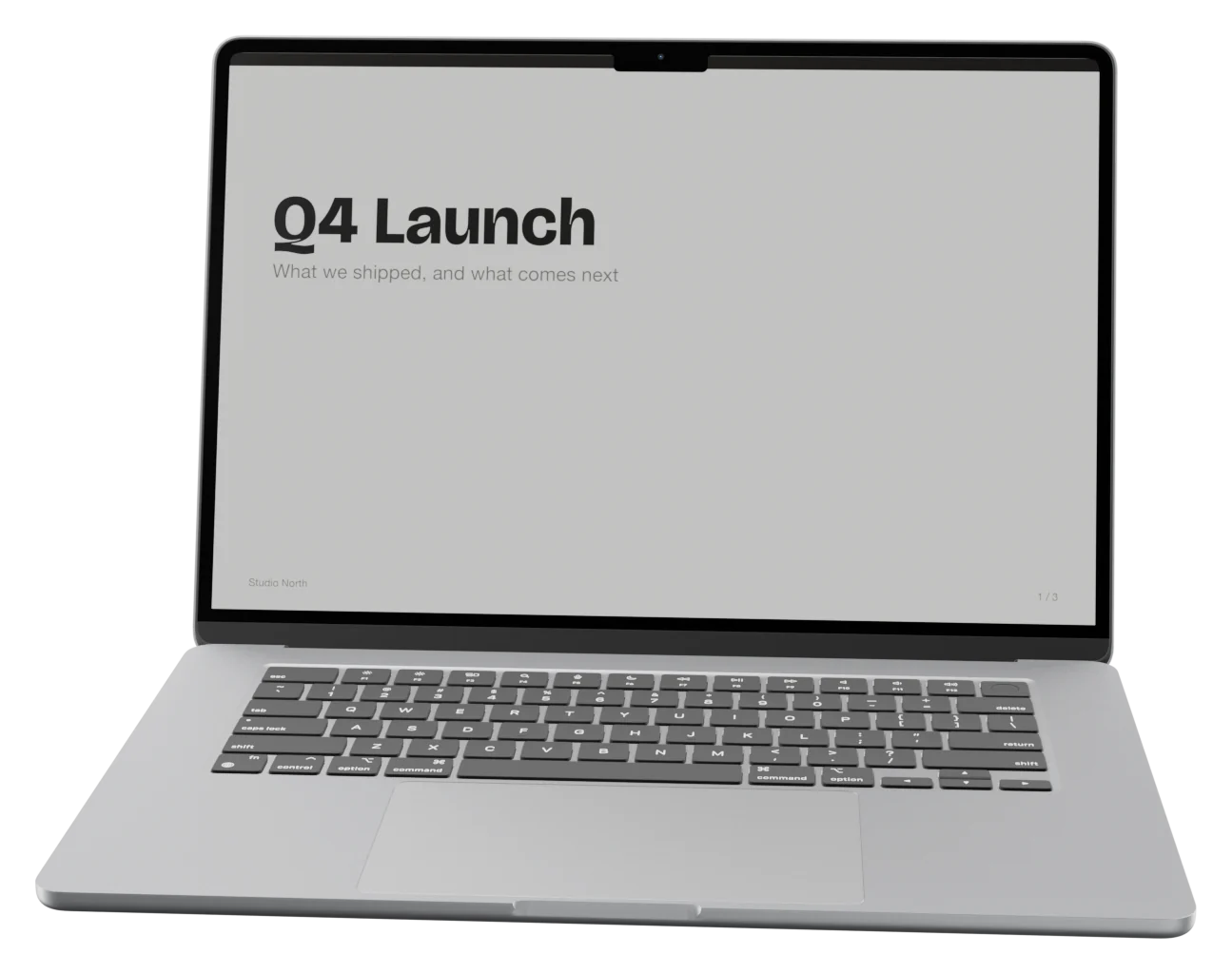
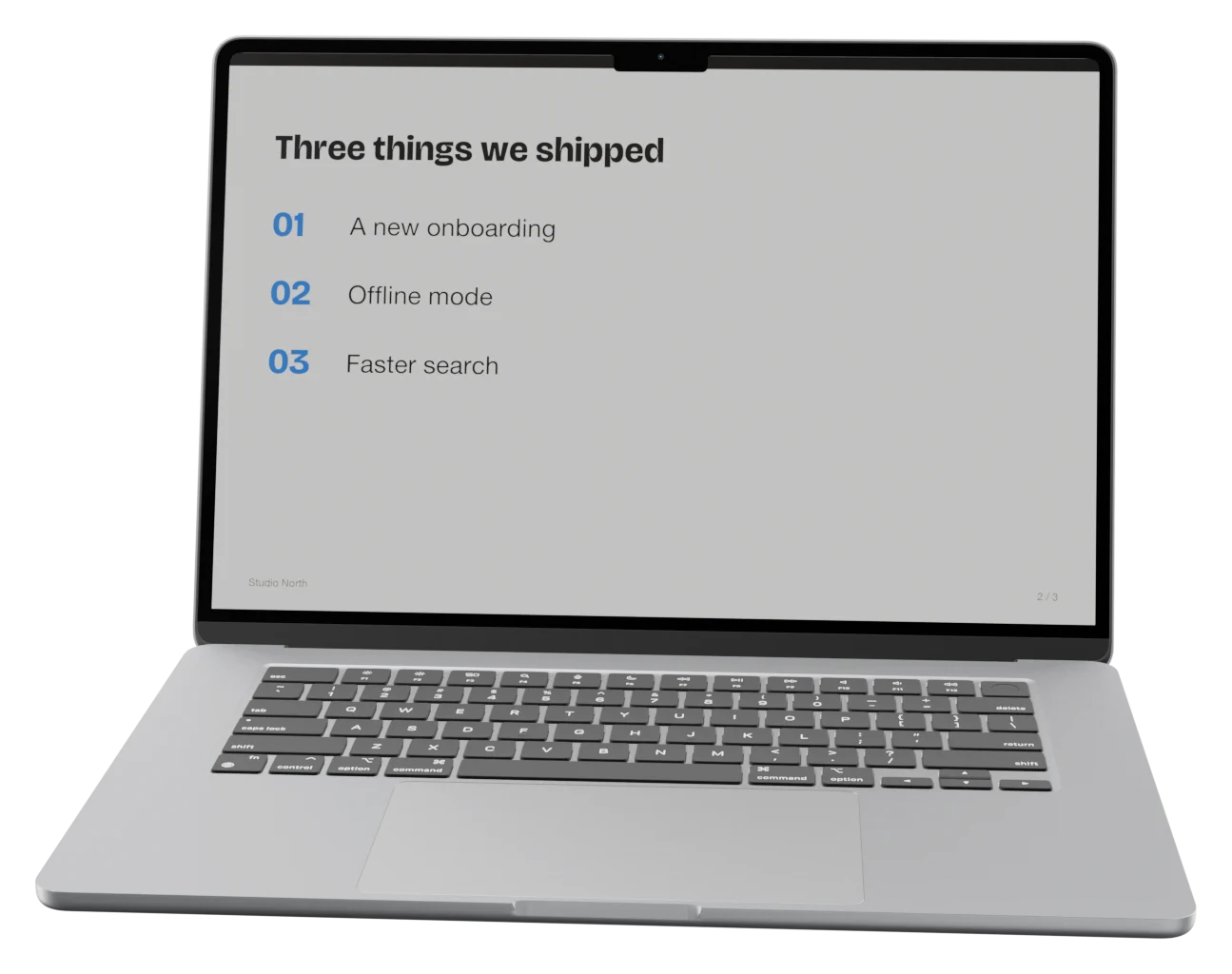
The clipboard →A tap on the pad moves to the next slide in Keynote, PowerPoint or Google Slides. The clicker gets forgotten in a bag; the phone is already in your pocket, paired and charged.
Pairing is a token the two devices hold, not a login. Nothing to sign up for, nothing to forget.
Phone and computer talk directly on your Wi-Fi. Nothing reaches a server on the internet, and the app collects no data.
Shell commands from a macro are refused unless the computer allows them. A paired phone cannot run anything it likes.
One file from the download page. On a Mac, drag it into Applications.
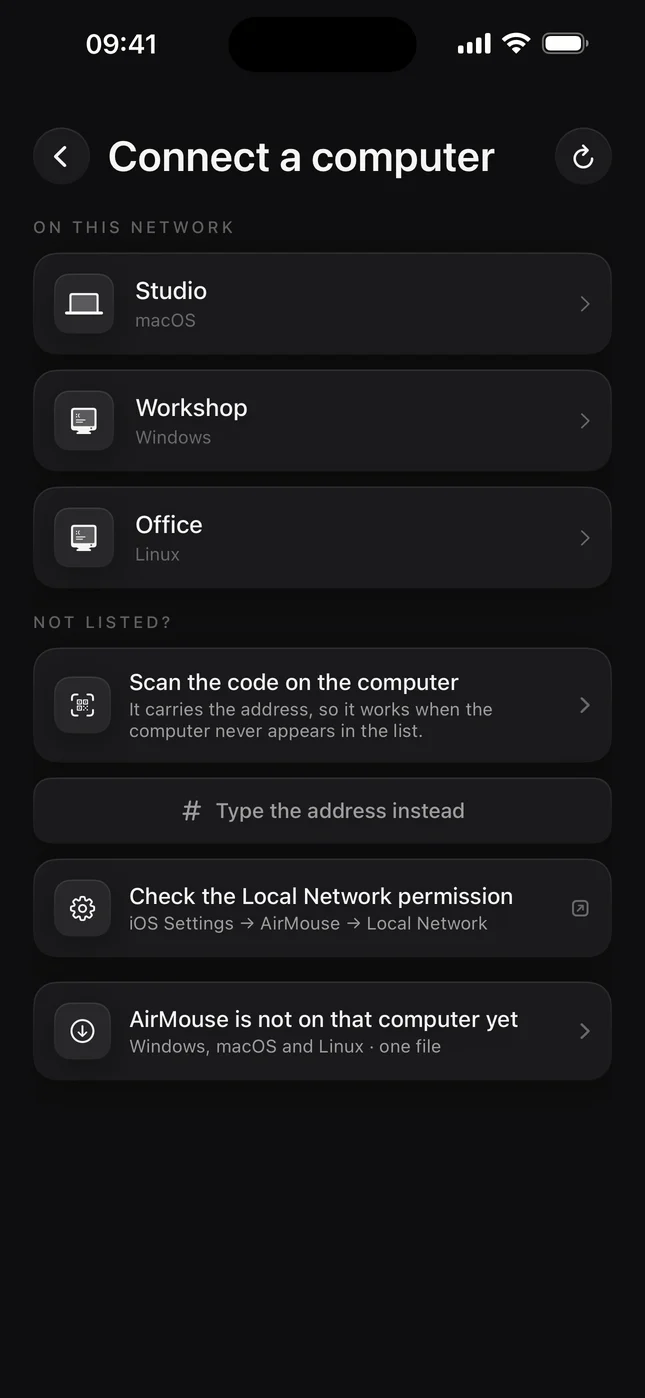
The computer appears in the list by itself. Nothing to type.
The computer asks once whether to trust the phone. That is the whole of pairing.
Everything on this page is included in the app. The computer side is free, and so are the updates.